Q&A: can AI test your app and scan its security instead of your team?
We get these questions every week from clients and engineers. Here are our straight answers, based on what we actually run in Security Guard Scanner, CyberBattleGround, Splunk Log Viewer and HTM‑Drive. Does AI write UI t…

We get these questions every week from clients and engineers. Here are our straight answers, based on what we actually run in Security Guard Scanner, CyberBattleGround, Splunk Log Viewer and HTM‑Drive.
Does AI write UI tests instead of the engineer?
It writes the draft, yes — impressively fast. We give it the feature description and the user path, and it produces Playwright tests covering the basic cases. But the tests that catch real bugs are the ones the engineer adds: what happens when the network drops mid-payment, or when the user taps twice. AI widens coverage; the human aims it at what hurts.
Can it find vulnerabilities?
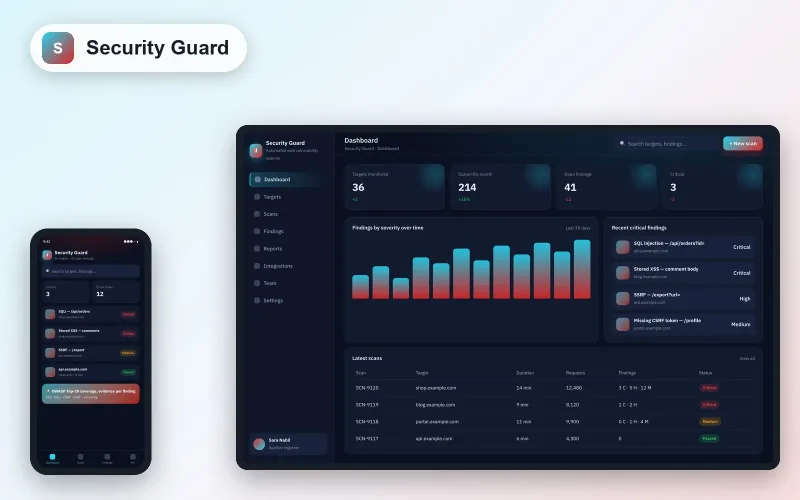
Security Guard Scanner detects XSS, SQLi, CSRF and server-side weaknesses automatically, and that predates the LLM wave. What models added: reading the code, not just hammering the interface. The model suggests “this route builds the query by string concatenation, try this input”, so scanning becomes guided rather than blind. Result: more findings with less noise.
The scanner says “vulnerability here”. The model says “vulnerability here, this is why, and this is the fix”. The difference is hours of engineering time per finding.
Can the fixes it proposes be trusted?
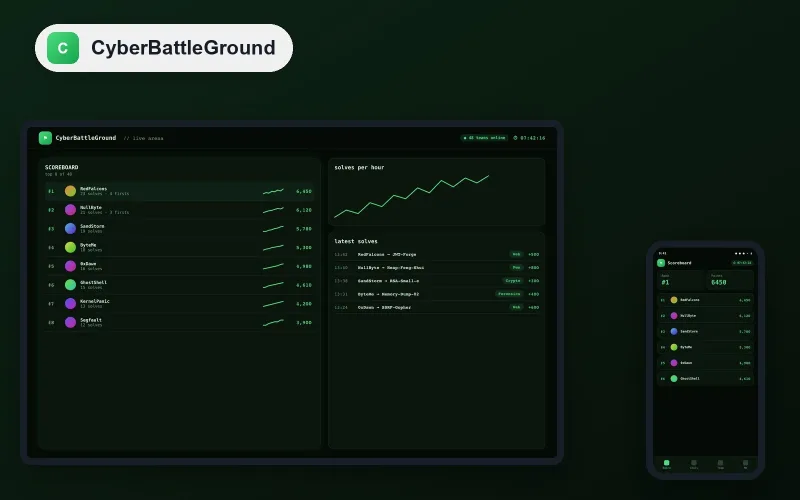
No — not without testing. On CyberBattleGround (a training arena for breaking deliberately vulnerable apps) we tried generated fixes: some closed the hole and opened another. A fix is merged only after the original exploit fails and the full suite passes. The model accelerates; the test decides.
What about logs? Does AI read millions of lines?
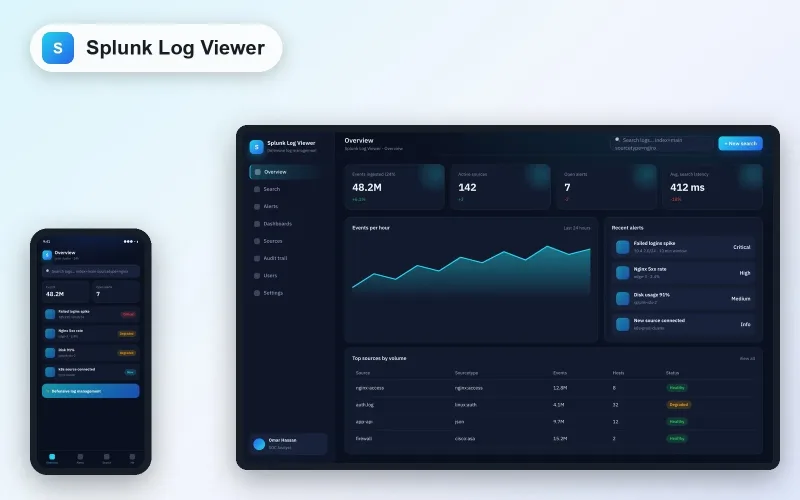
Here it truly shines. Splunk Log Viewer ingests logs and provides advanced search; on top of it, a model layer explains anomalies in Arabic: “spike in failed logins from one IP range within 10 minutes — looks like credential guessing”. The analyst reads a sentence instead of a thousand lines, and decides.
Does it protect our data in cloud storage?
HTM‑Drive (cloud storage integrated with OneDrive) uses a model to classify sensitive files on upload (ID, contract, financial data) and automatically apply a stricter sharing policy. AI does not “protect”; it classifies, and the policy protects.
What should never be delegated?
- The release decision.
- Judging “is this vulnerability critical for our business?” — the business knows what matters to it.
- Notifying a client or regulator about an incident.
So do we still need a QA and security team?
You need a smaller team that thinks more and types less. AI removed the “typing”; it did not remove “thinking about what could happen”. That was always the hard part.